
Weverse Shop is where fans go for official K-pop albums, lightsticks, season’s greetings, concert merch, and membership-only drops — all in one place. If you’re based in Canada and want authentic merch straight from the source, Weverse is usually the first site to check. The tricky part? Regional store rules, limited shipping coverage for certain items, and fast sell-outs can make overseas buying feel stressful.
This guide explains how to shop on Weverse Shop and ship to Canada using Buy&Ship Global. You’ll get a quick breakdown of the common challenges Canadian buyers face, practical shopping tips, popular product categories, and a step-by-step proxy shopping tutorial to help you place orders with confidence.
Table of Content
→ Why Weverse Can Be Challenging from Canada
→ Shopping Tips (Canada)
→ What to Buy on Weverse Shop
→ Proxy Shopping Tutorial: Weverse → Canada
→ Why Buy&Ship Global Works
→ FAQs
Why Weverse Shop Can Be Challenging from Canada
Even though Weverse Shop serves global fans, buyers in Canada may still run into friction depending on the product type, release timing, and shipping limitations. Proxy shopping makes the process easier by letting you submit the product link and have Buy&Ship Global handle the purchase flow for you.
Common overseas buyer pain points
- Region-based shipping restrictions for selected items (especially limited drops or special sets).
- Fast sell-outs during pre-orders, membership-only drops, or tour season releases.
- Complicated checkout rules (verification steps, payment requirements, or store limitations).
- Multiple comebacks/releases over time can be hard to coordinate if you want to ship together.
Weverse Shopping Tips for Buyers in Canada
- Submit early for limited drops: for “limited” items, tour merch, or benefits, speed matters — place your proxy request as soon as you decide.
- Double-check options: albums and merch often have versions, members, sizes, or set configurations — match the option name shown on the product page.
- Expect bulky packaging: season’s greetings, box sets, and collector kits can be larger than expected, so plan your shipping budget with volume in mind.
- Bundle smartly: if you plan to buy across multiple release windows, consolidation can help you manage shipments more efficiently.
What to Buy on Weverse Shop (Popular Categories)
Weverse Shop is packed with official drops — from wearable apparel to collectible accessories. Below are four popular picks you can use as a quick reference. Prices are shown in US$ based on the product pages (availability may change during releases).
![BTS – [In the SEOM] ZIP-UP HOODIE (GREY)](https://bns-api-global-cdn.buynship.com/global/uploads/2026/02/5d2c15dbad054dfdd941949d13b68f53.png)
BTS – [In the SEOM] ZIP-UP HOODIE (GREY)
A practical, wearable merch staple that works for everyday outfits. Apparel drops like hoodies often move quickly when an official release goes live.
Price (Weverse): US$68.24 (KRW 99,000)
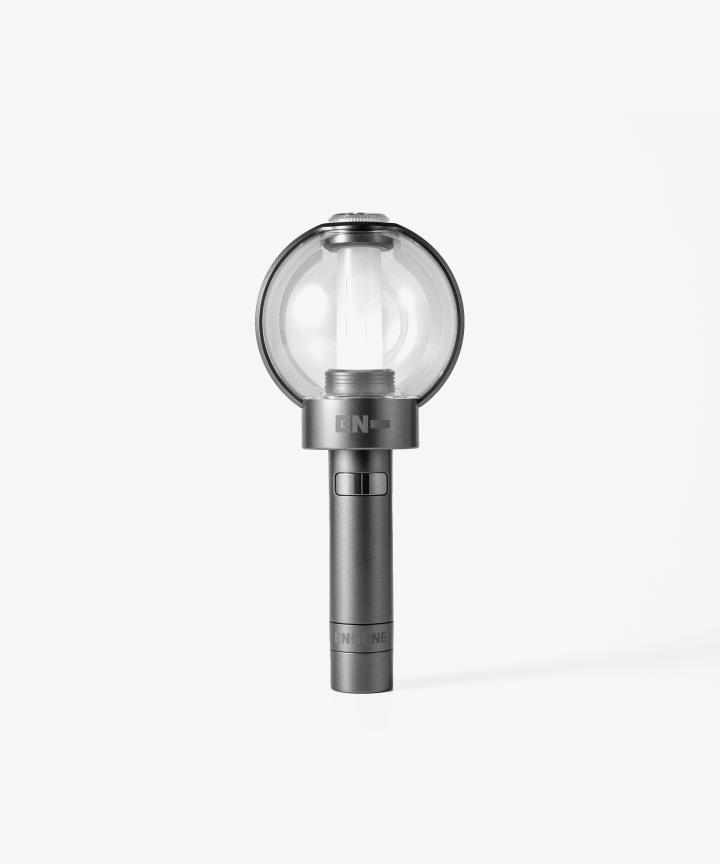
ENHYPEN – Official Light Stick Ver.2
Light sticks are the classic “must-buy” for concerts and fan events. Around tour seasons, they often sell out faster than fans expect — ordering early is the move.
Price (Weverse): US$33.78 (KRW 49,000)
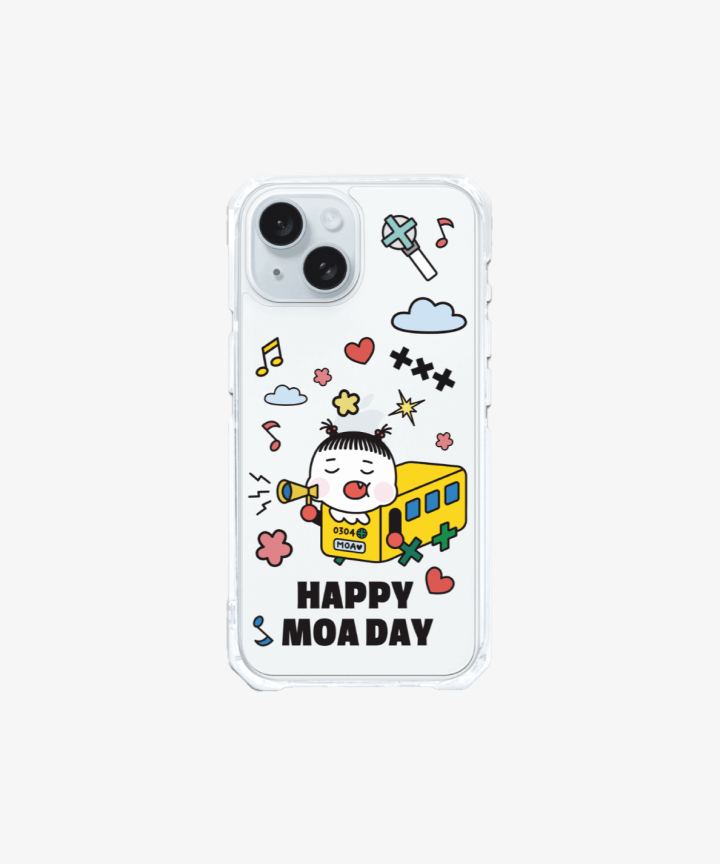
TXT – Official Phone Case (Weverse Shop)
A budget-friendly way to buy official merch without committing to a large item. It’s also easy to bundle into the same shipment with albums or small collectibles.
Price (Weverse): US$13.65 (KRW 19,800)
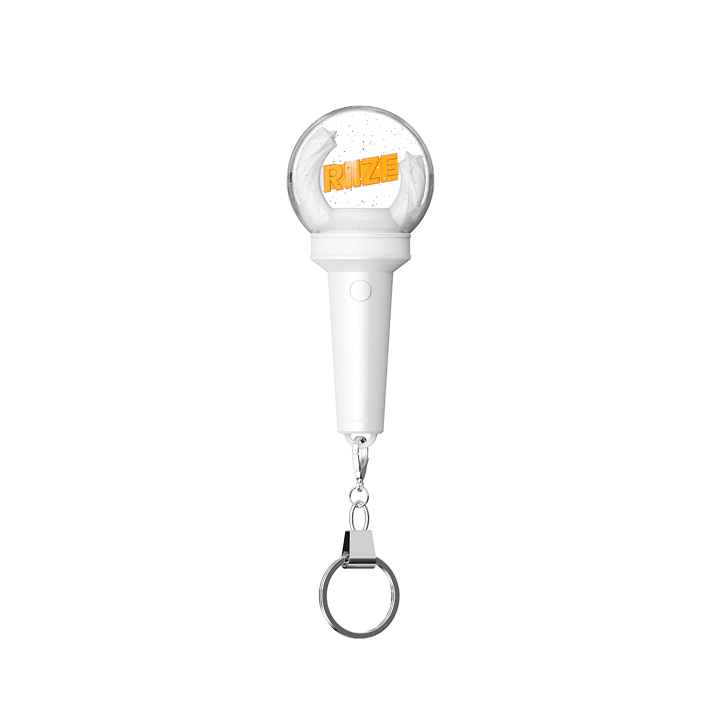
RIIZE – MINI FANLIGHT KEYRING (Weverse Shop)
A compact collectible that’s popular for gifting and everyday carry. Mini fanlights and keyrings are often released in limited designs, so they can sell out quickly.
Price (Weverse): US$13.10 (KRW 19,000)
Note: If your site blocks external image hotlinking, upload the images to your WordPress Media Library and replace the image URLs above with your uploaded file URLs.
How to Shop on Weverse Shop and Ship to Canada with Buy&Ship Global
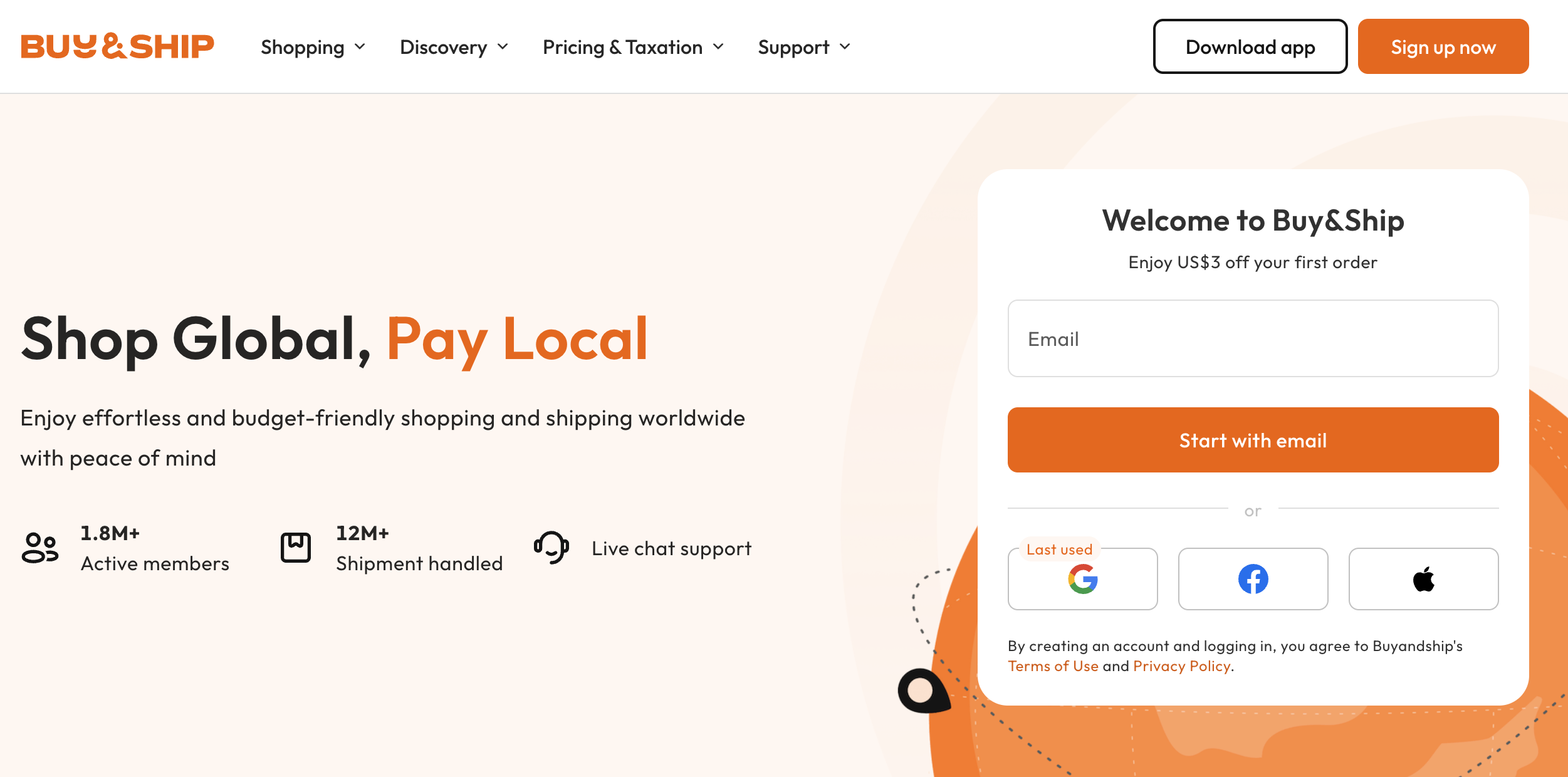
Step 1
Go to Buy&Ship website to log in or register as a member.
Step 2
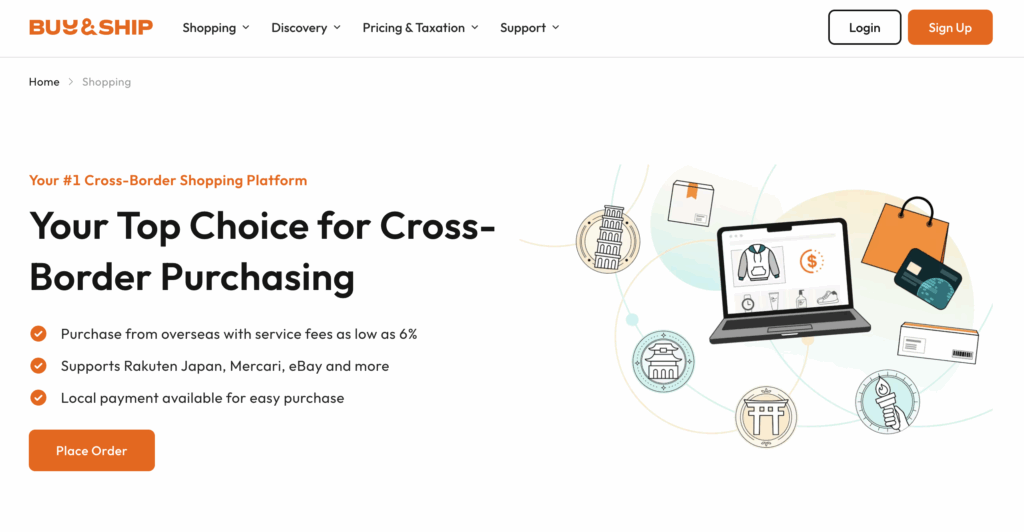
Go to the Proxy Shopping page and click the “Place Order” button to create an order.
Step 3
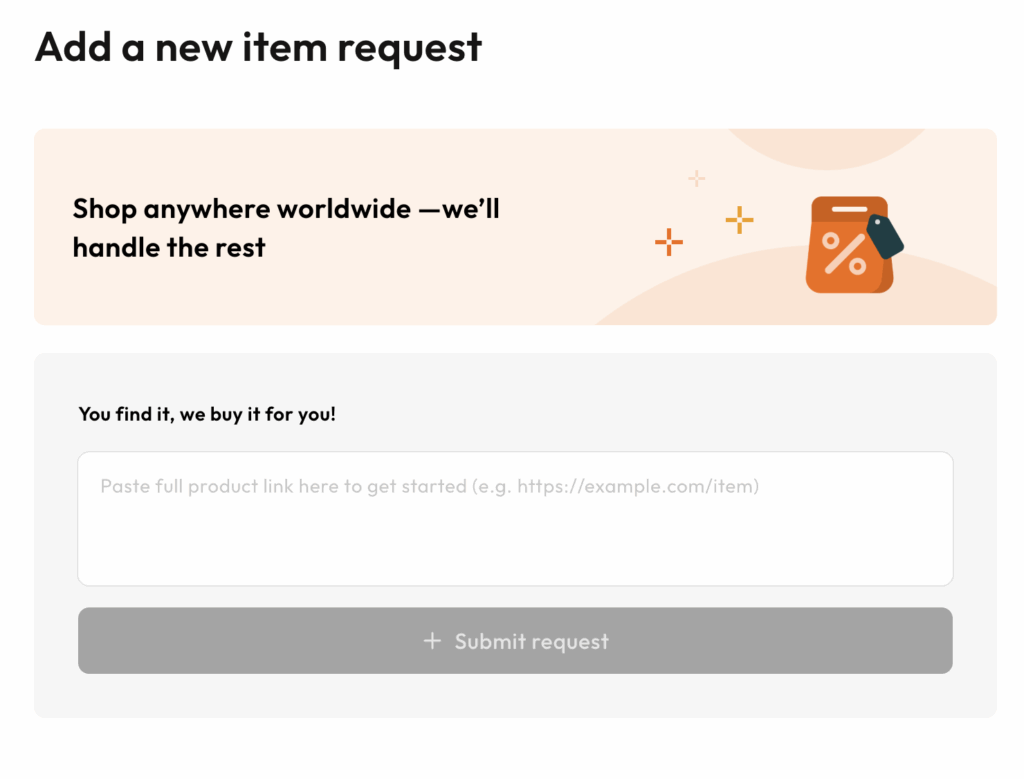
Copy and paste the link of your desired product into the blank field, then click ‘Submit request’.
Step 4
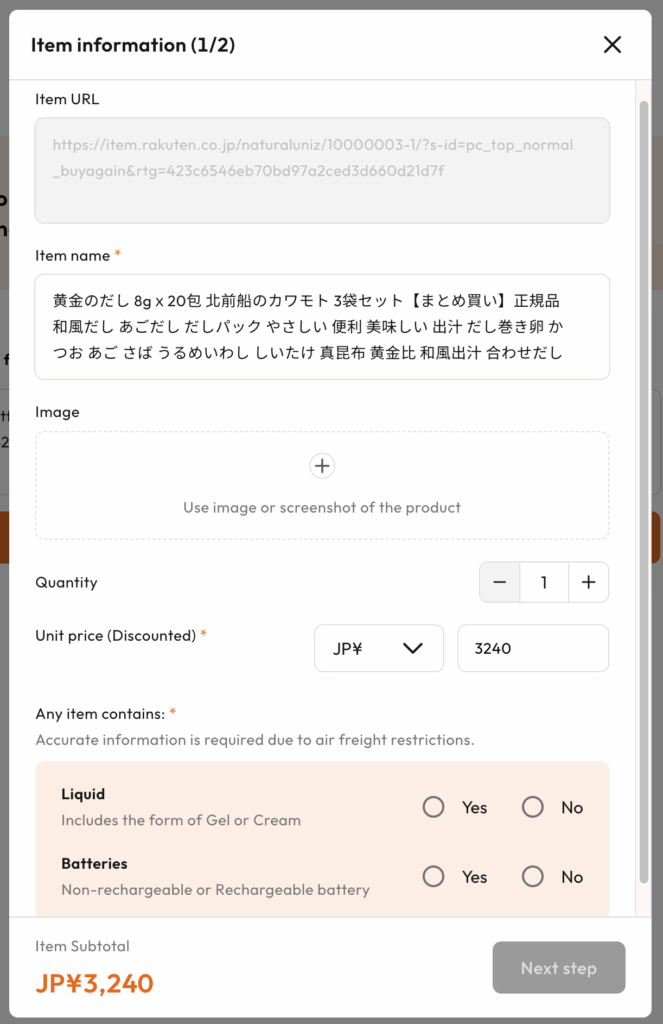
In the pop-up window, the system will automatically fill in the foreign name and price of the product. If it does not auto-fill, please enter the information manually. You will then need to fill in the product images yourself, if available.
Within one order, you can add up to 10 items from the same online store. (If the items are from different websites, you will need to submit a new order.)
Then click “Next.”
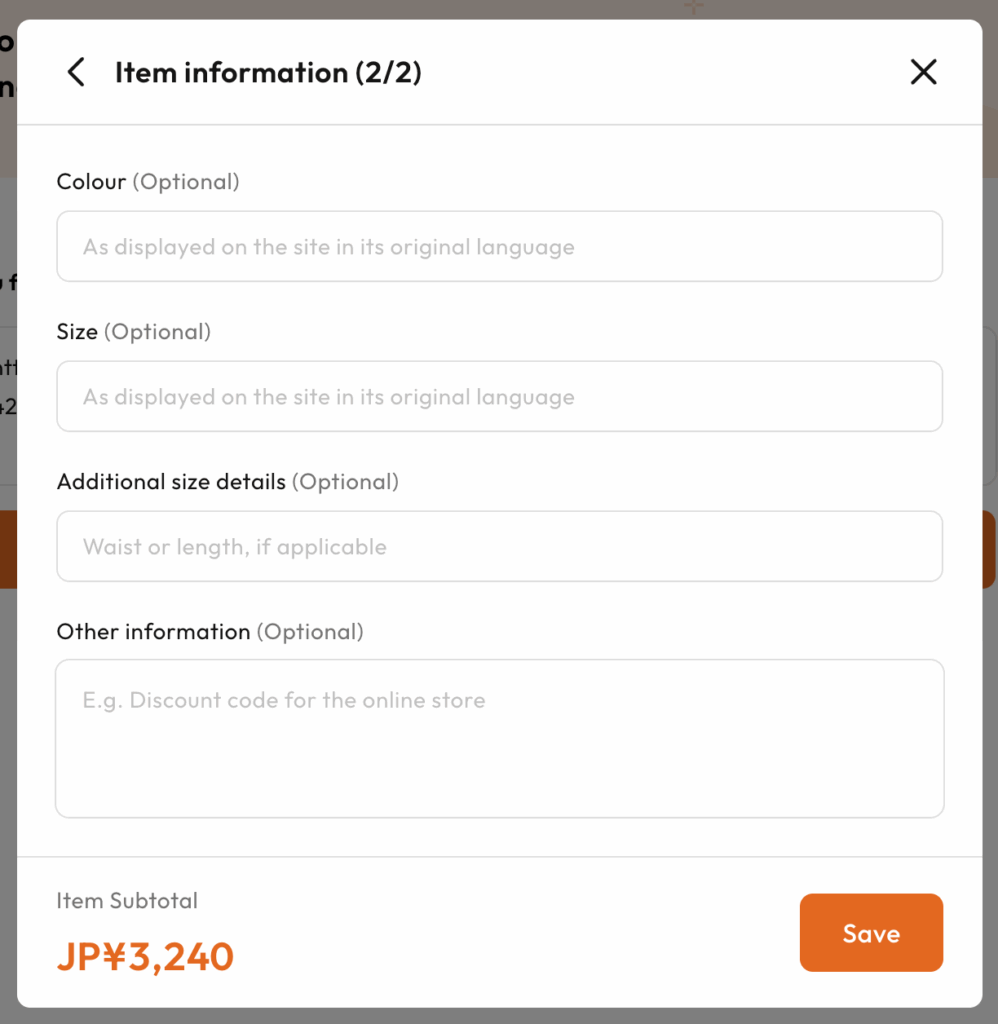
Step 5
Simply copy and paste the product information displayed on the shopping website. (If the original product description is in Japanese, please copy the Japanese content as the product data.)
After filling in the product details, click “Save” to continue the ordering process.
Step 6
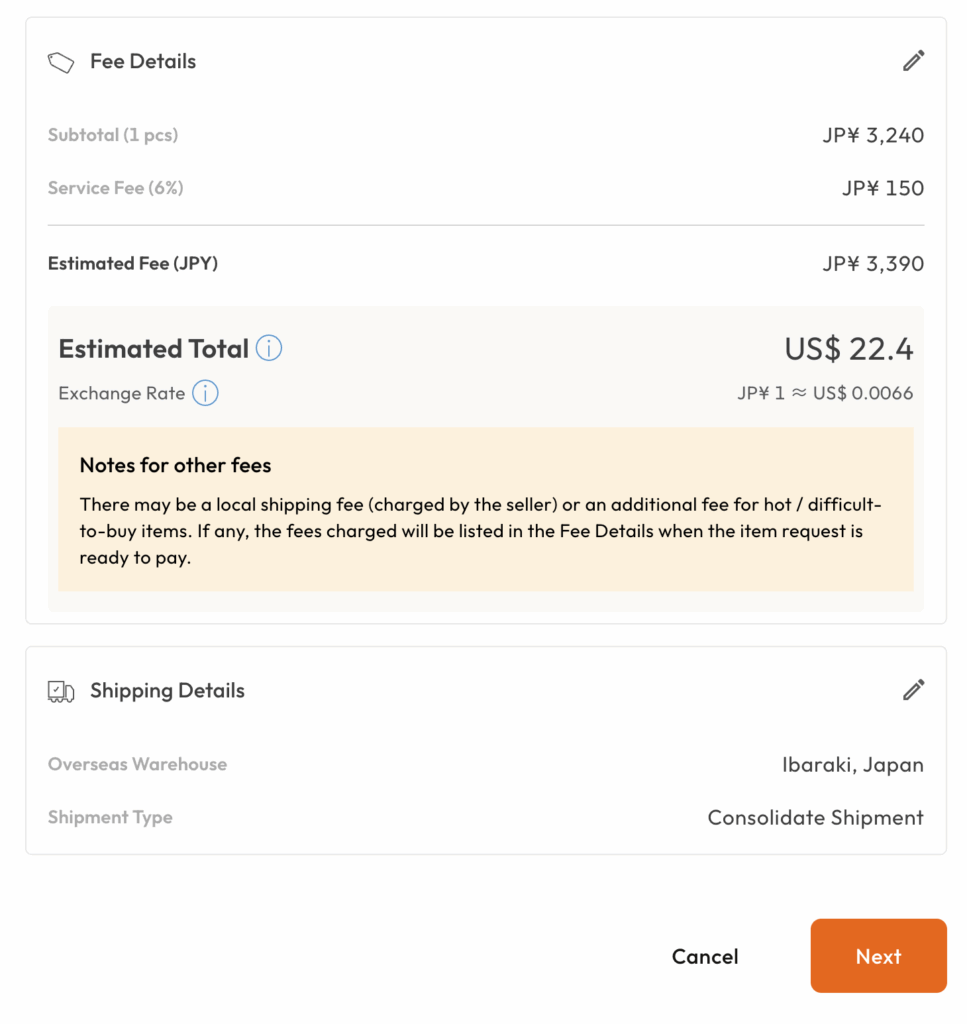
Enter the promo code (if applicable) and click “Confirm”. Wait patiently for us to confirm your order and arrange for payment. Once that is done, your ordering process will be complete!
Why Buy&Ship Global Works for Weverse Shop Buyers in Canada
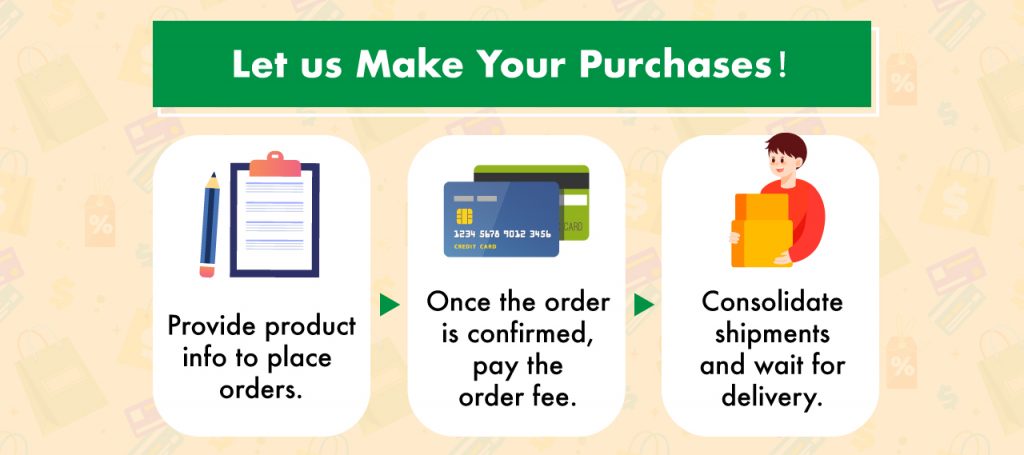
- Proxy shopping handled end-to-end: you submit the link, we purchase for you.
- Clear process for overseas fans: useful when checkout rules vary by region or item type.
- Consolidation-friendly: if you buy across multiple release windows, consolidation helps you manage shipping more efficiently.
FAQs
Do I need a Weverse account to view items?
You can usually browse many product pages without logging in. However, some items, purchase steps, or membership-only drops may require a Weverse login (and sometimes membership status).
Can I submit multiple Weverse items in one proxy order?
Yes. Within one proxy order, you can add up to 10 items from the same website. If you’re buying from different websites, you will need to submit separate orders.
What information should I include for versions, sets, or options?
When submitting your proxy request, paste the exact product link and clearly note the option/version name shown on the Weverse page (for example: version, member, size, color, or set quantity). The more specific you are, the smoother the purchase process.
What if my item sells out after I submit my request?
Limited drops can sell out fast. Submitting early gives you the best chance, but stock is not guaranteed. If an item becomes unavailable, you can switch to an alternative option or submit a new request for a different listing.